AI product photos & catalogs

Sales-ready product photos and catalogs from your phone

Shoot a product on your kitchen table, get a studio shot back, and send your range as a catalog customers can order from.

Coming soon · App Store & Google Play
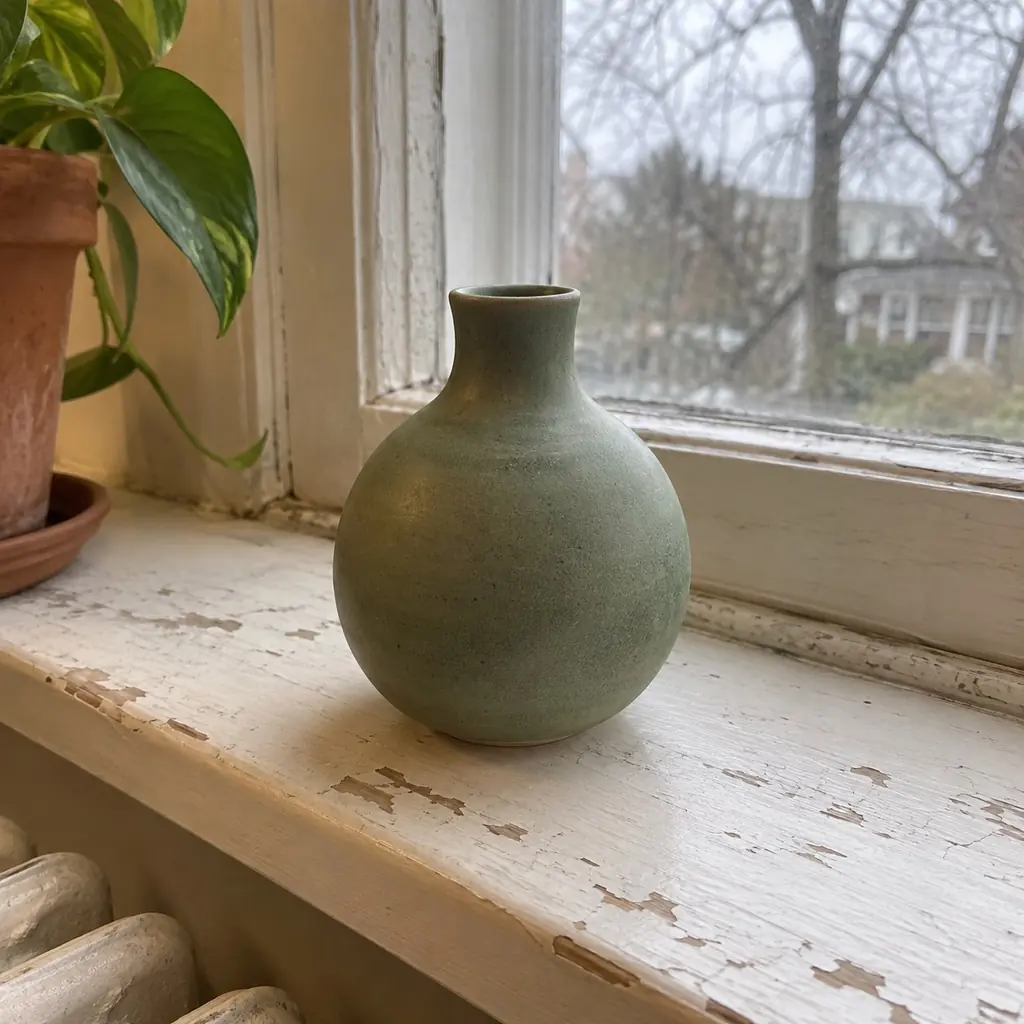
Phone photo: a green ceramic vase on a worn windowsill, with a radiator, a plant and a garden behind it.
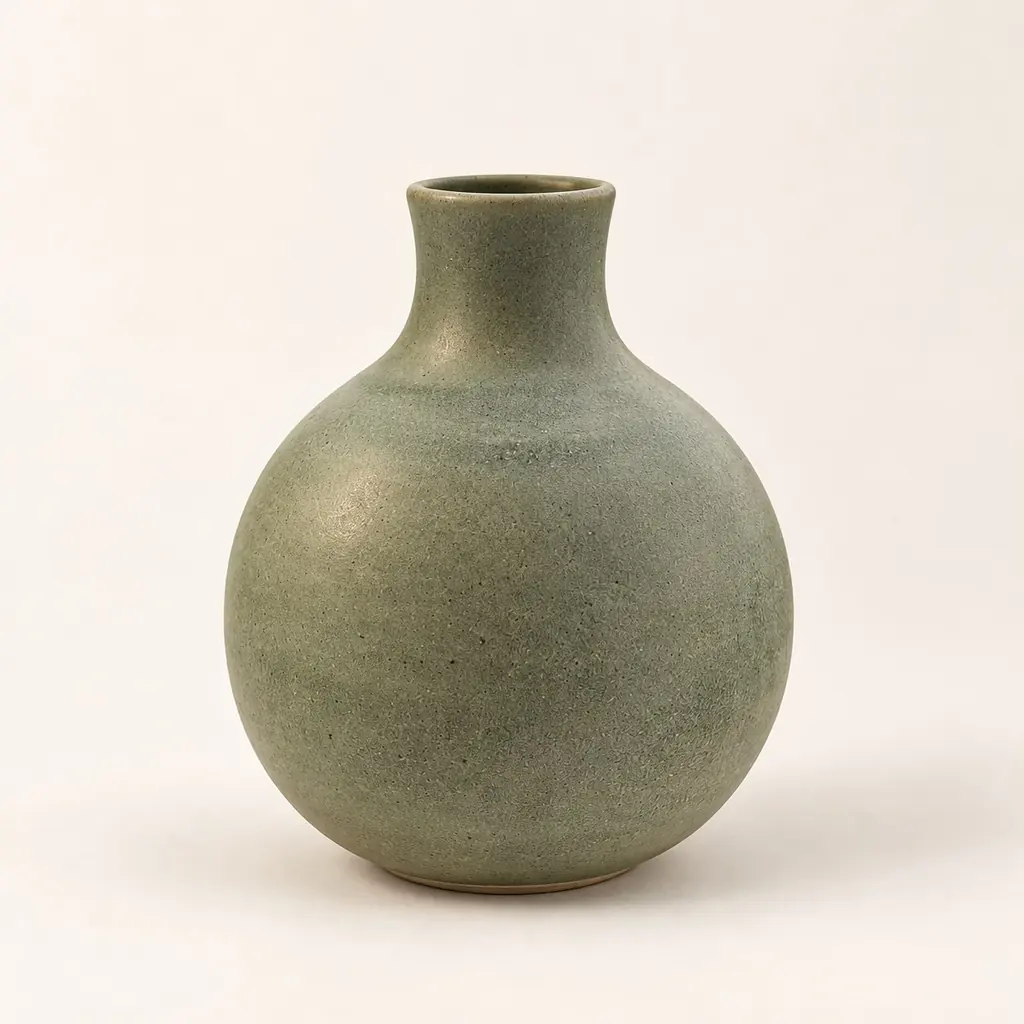
The same green ceramic vase as a studio shot on a plain cream backdrop with a soft shadow.
AI-generated example product · a result is a drawing, not a photograph

Catalogs that take orders

Pick products and send them as a multi-page PDF or as post-sized images, with prices, stock and an Order on WhatsApp link on every item.
  • Six layouts, five themes
  • A4, 4:5 or square pages
  • A how-to-order page with your contacts
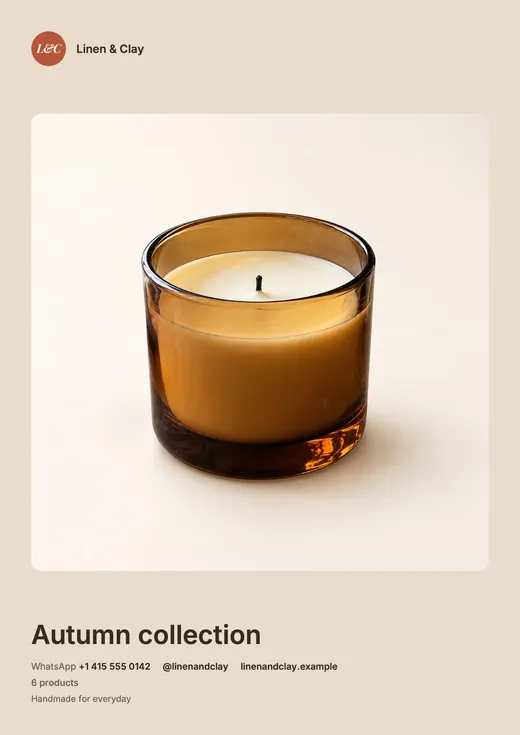
  • Catalog cover: a store logo, a large product photo of an amber glass candle, the collection name and the store's contact details.
    A cover with your logo
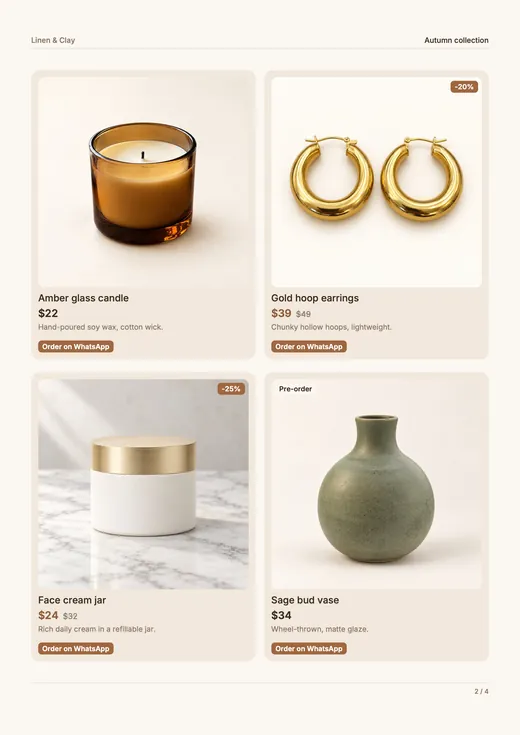
  • Catalog page with four example products, each with a photo, a name, a price, a discount or stock badge and an Order on WhatsApp button.
    Prices, markdowns and order links
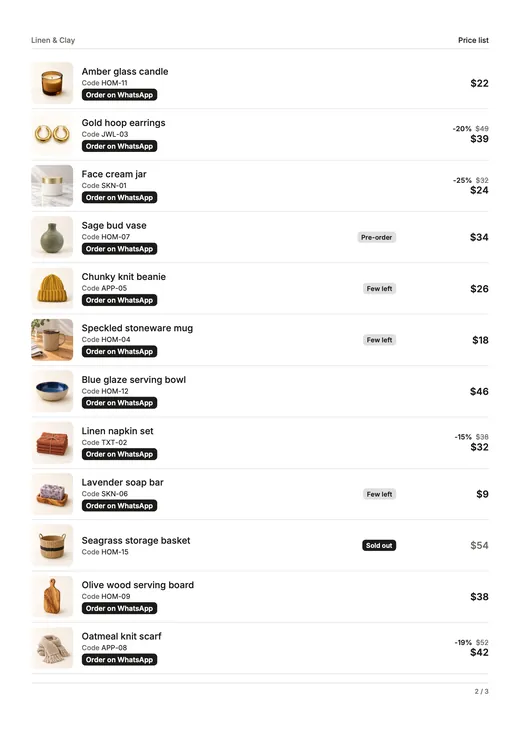
  • Price list page: a row per product with a small photo, the product code, stock badges, prices and an Order on WhatsApp button.
    Your whole range as a price list
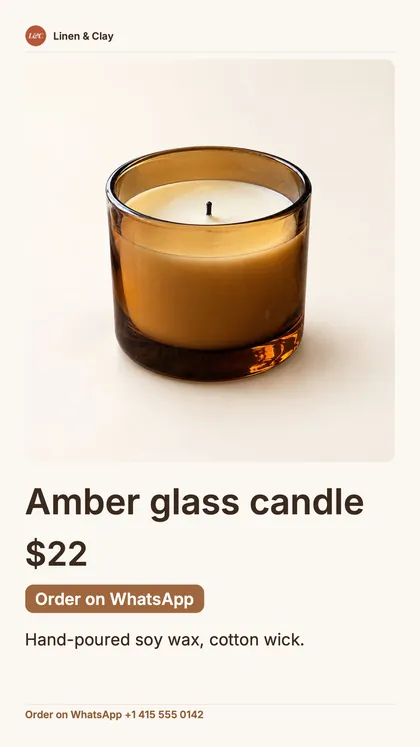
  • Story-sized post of one product: the store name, a large candle photo, the price, an Order on WhatsApp button and the WhatsApp number.
    Posts for stories and the feed

Pages exported by the app, with example products
From one phone photo

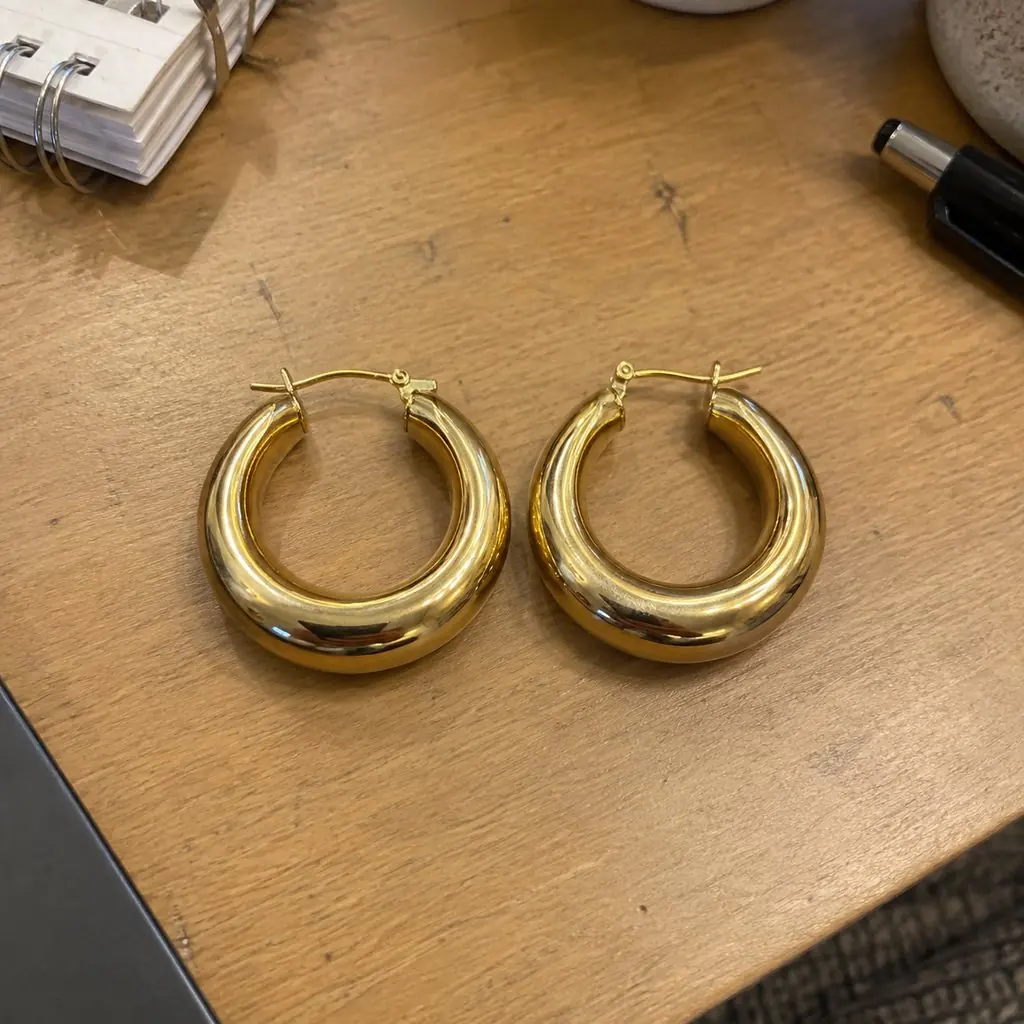
Phone photo: gold hoop earrings on a cluttered wooden desk.
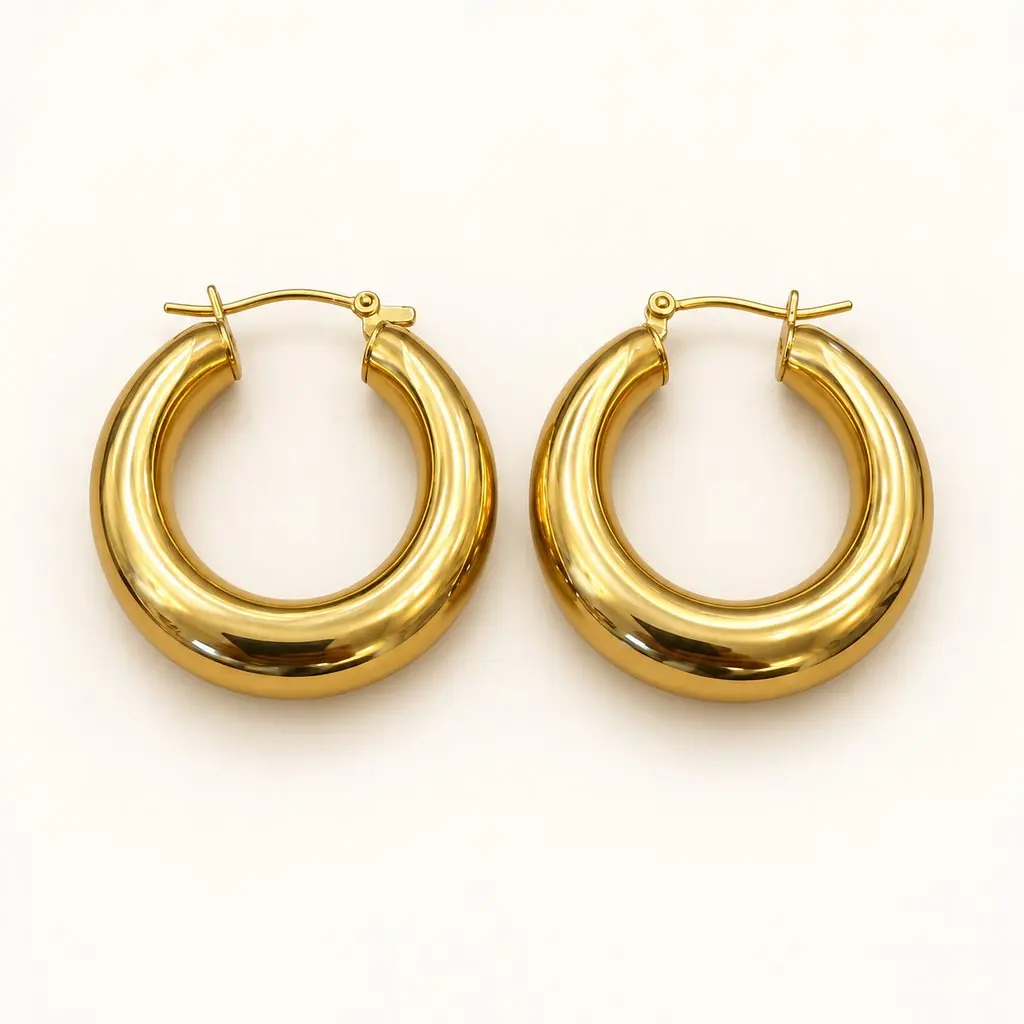
The same gold hoop earrings as a studio shot on a plain white backdrop.

Clean light on a plain backdrop, the way a catalog shoots it.

Phone photo: an amber glass candle on a kitchen table next to a crumpled tea towel.
The same amber glass candle on a warm wooden table with linen and eucalyptus in soft daylight.

The product in a real setting: a counter, a table, a shelf.
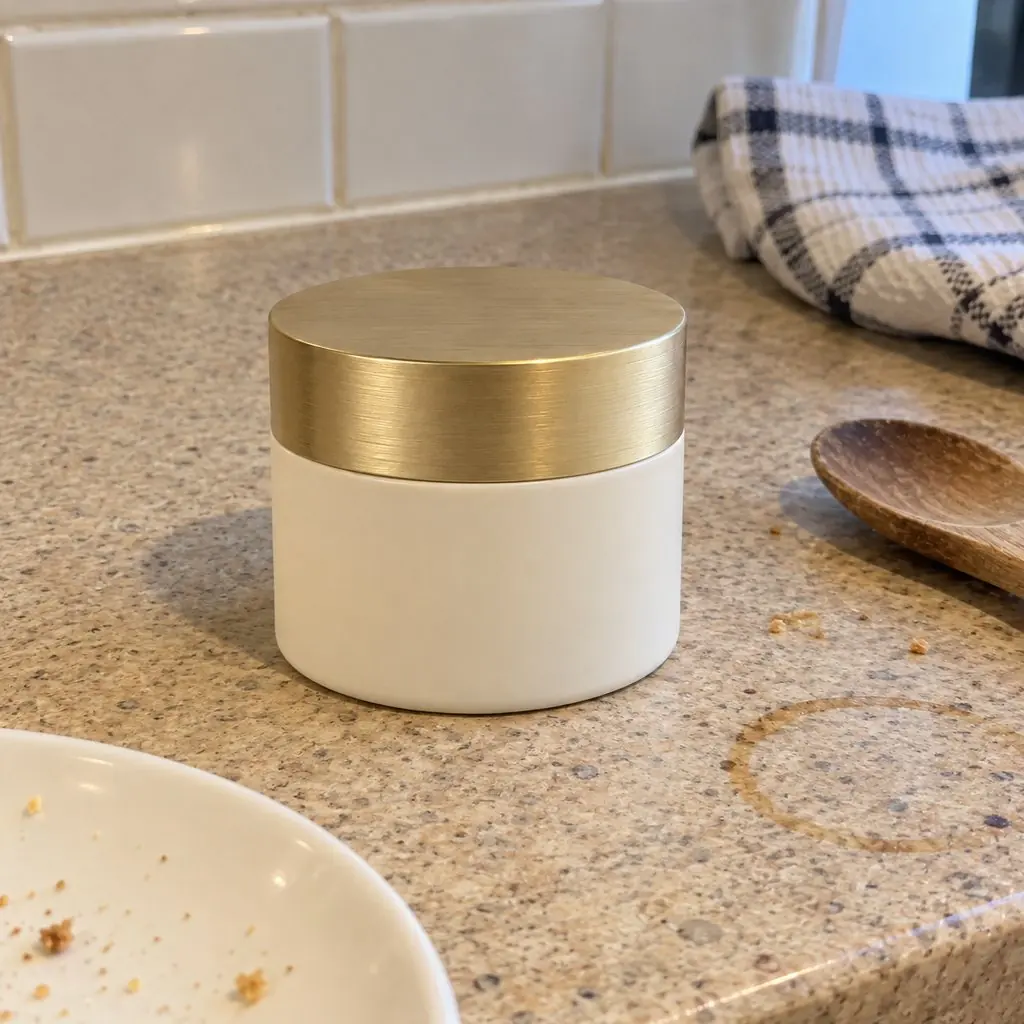
Phone photo: a white cream jar with a gold lid on a speckled kitchen counter.
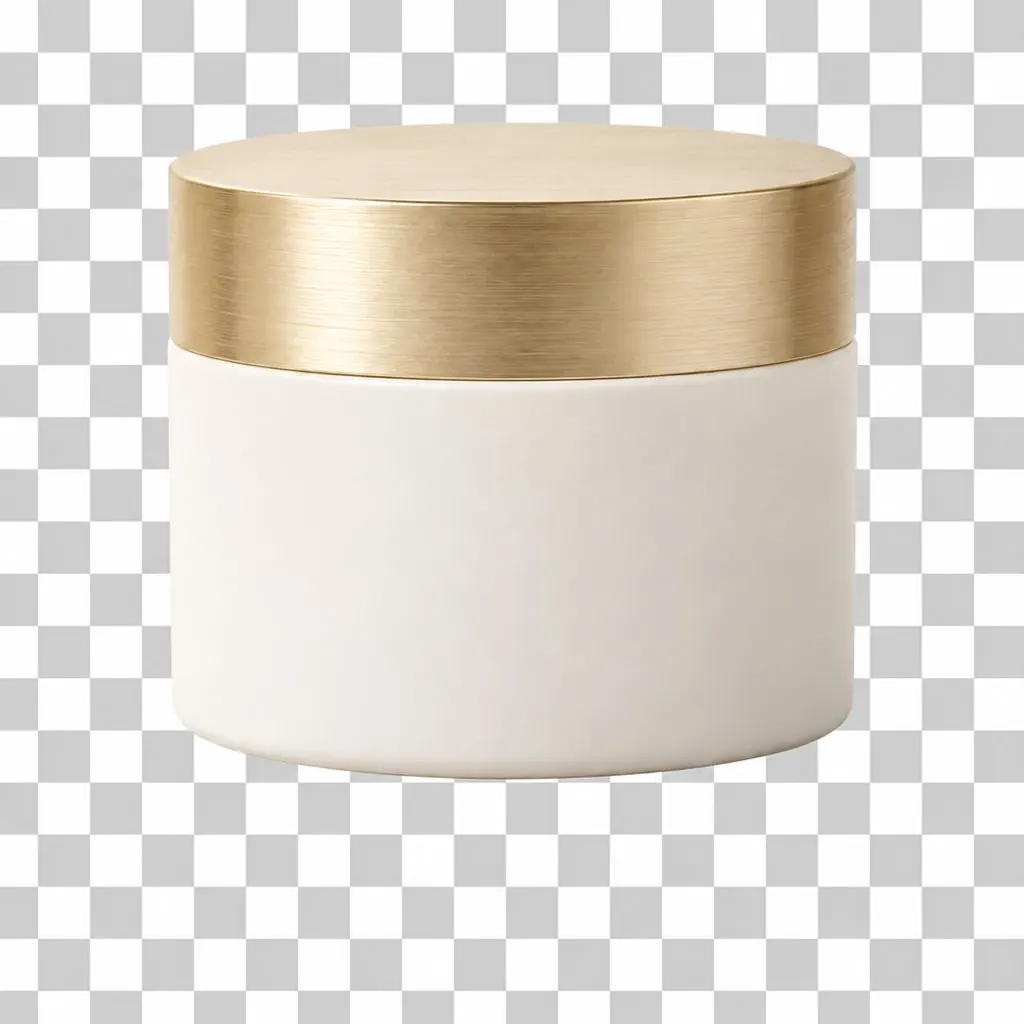
The same cream jar cut out on a transparent checkerboard background.

Clears everything behind the product. Check the label before you publish.
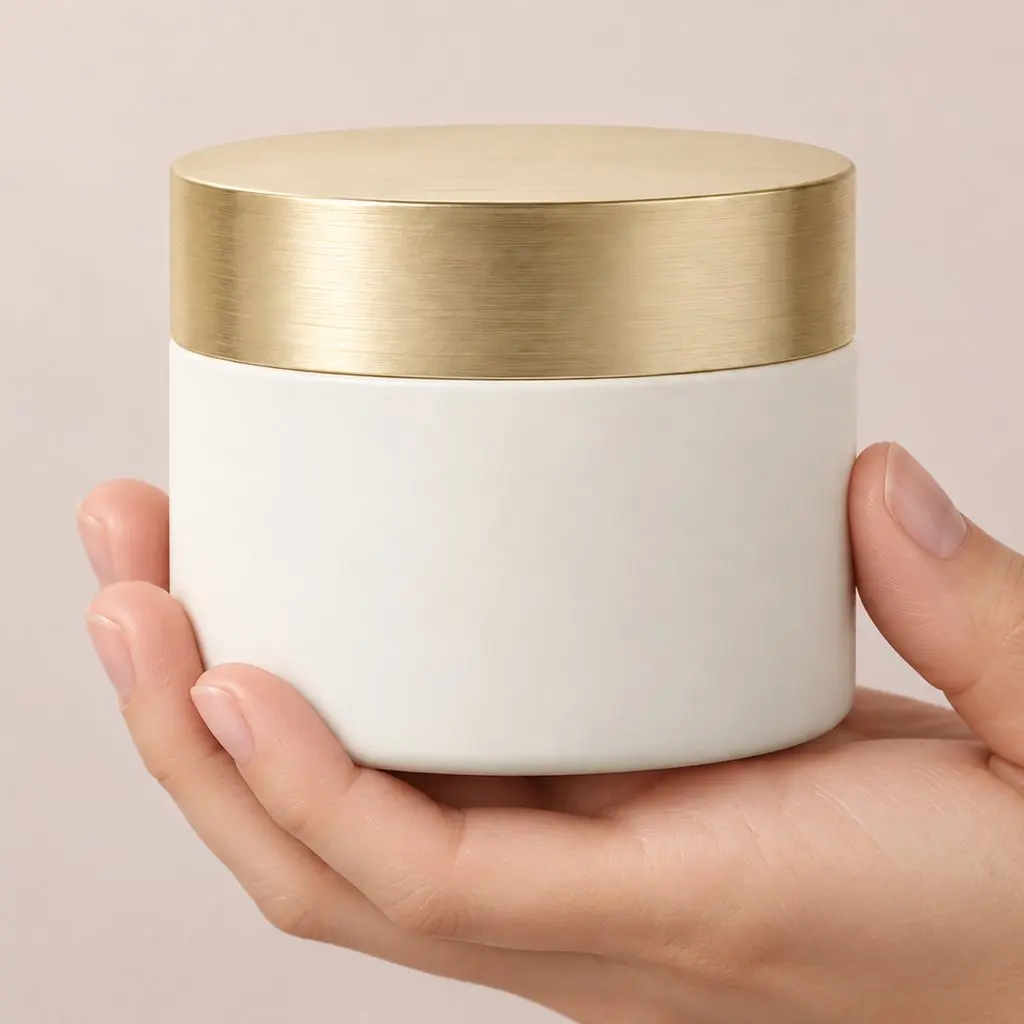
Phone photo: a white cream jar with a gold lid on a speckled kitchen counter.
The same cream jar held in a hand against a soft pink backdrop.

Worn or held. For clothing, shoes, bags, jewelry and cosmetics.

Also: a set of variations, close-up detail and collection shots.

Twelve scenes

Use the same scene for every product and your catalog pages match.
  • Example jar in the Studio white scene
    Studio white
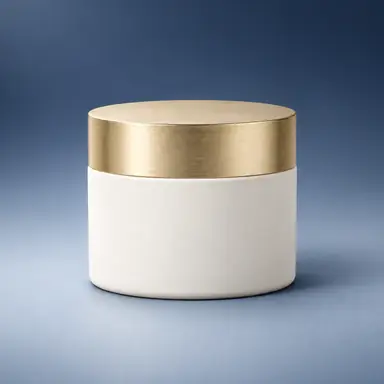
  • Example jar in the Studio gradient scene
    Studio gradient
  • Example jar in the Marble surface scene
    Marble surface
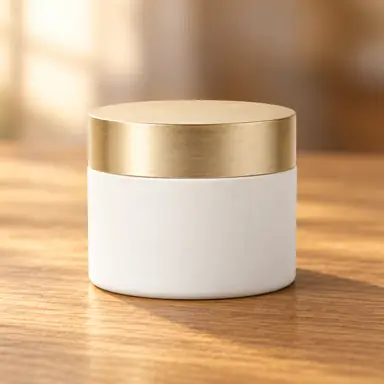
  • Example jar in the Wooden table scene
    Wooden table
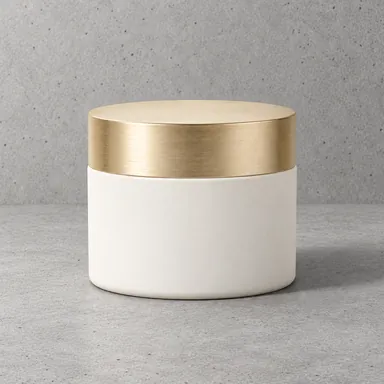
  • Example jar in the Concrete minimal scene
    Concrete minimal
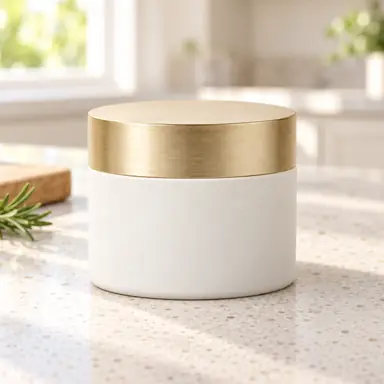
  • Example jar in the Kitchen counter scene
    Kitchen counter
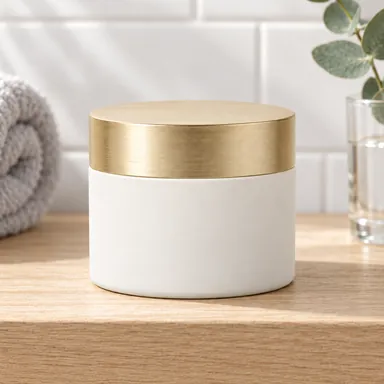
  • Example jar in the Bathroom shelf scene
    Bathroom shelf
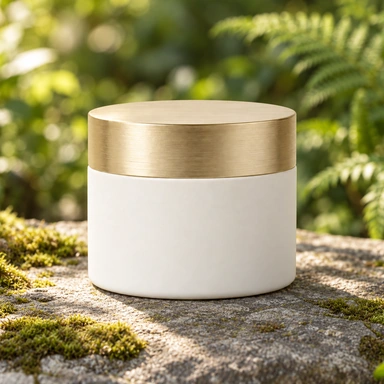
  • Example jar in the Outdoors scene
    Outdoors
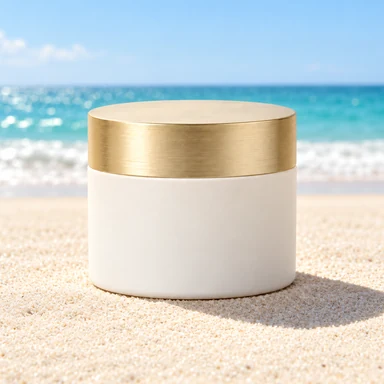
  • Example jar in the Beach sunlight scene
    Beach sunlight
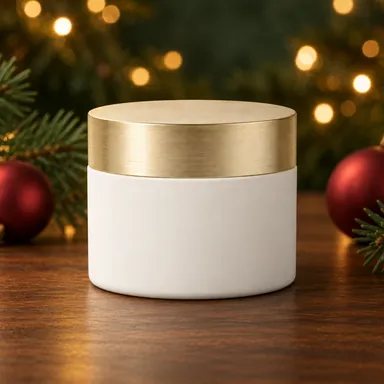
  • Example jar in the Festive scene
    Festive
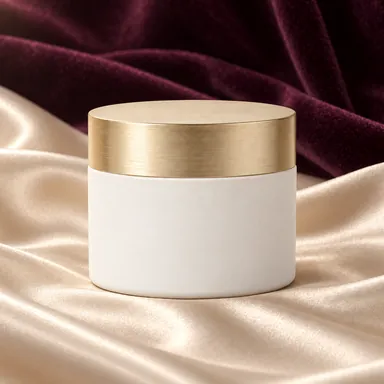
  • Example jar in the Silk and velvet scene
    Silk and velvet
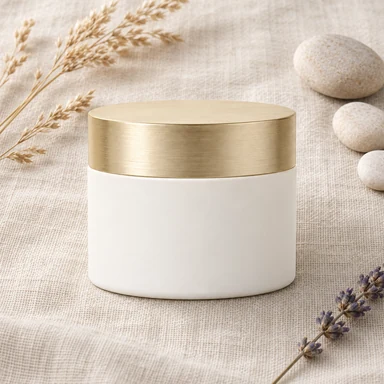
  • Example jar in the Flat lay scene
    Flat lay

Scene thumbnails from the app
How it works

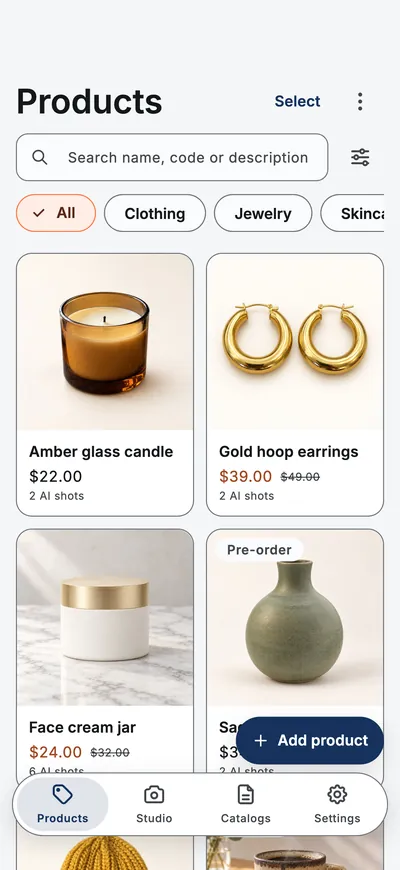
  1. The app's Products screen: a grid of products with photos, prices and category filters.

    Add your products

    Photos, price, code and stock.

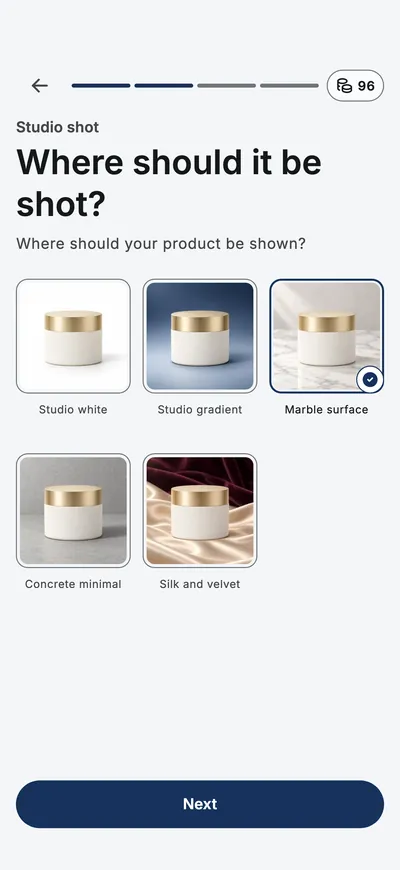
  2. The app asking where the product should be shot, with scene thumbnails to choose from.

    Make them sales-ready

    Pick a tool and a scene.

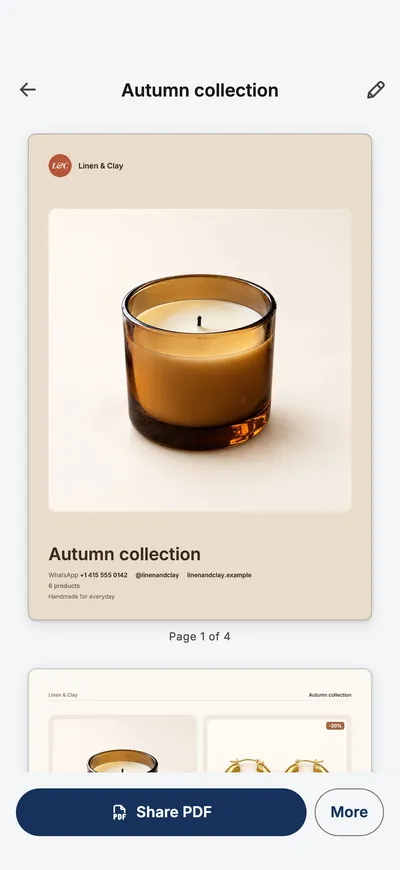
  3. The app's catalog preview with the cover page and a Share PDF button.

    Send the catalog

    PDF or images, with order links.

Plans

Without a plan

  • Catalogs, free to build
  • First shots free to try
  • One badged preview a run

Price, credits per period and renewal are shown in the app before you buy; cancel anytime in the App Store or Google Play.

FAQ

Can I make a product catalog on my phone?

Yes. Add your products with photos and prices, pick the ones you want and export a multi-page PDF, or post-sized page images for a carousel. The catalog is built on your phone.

How do customers order from a catalog?

Every product carries an Order on WhatsApp link to the number you enter, and the how-to-order page lists your phone, WhatsApp, Instagram, website, email and address. Post images print the WhatsApp number instead, because an image cannot carry a link.

Which photos work best?

One photo in even light on a plain surface is enough to start. Add up to three more angles, such as the back, a side, a close-up or the label, and every shot of that product is built from all of them.

Is the result a photo of my product?

No. The model redraws every pixel, so a result is a generated image of your product rather than a photograph of it, and it can differ from the item a buyer receives.

Will the logo and the label text be right?

Often not. Logos, label text, ingredient lists and small print are the first things to go wrong. Read every word on the packaging in each result before anyone else sees it.

Can I use these images in a shop listing or an advert?

You keep the rights to what you upload and to what the app generates from it. Whether a generated image is allowed in a particular listing or advert is a matter of the marketplace’s rules and your local advertising law, and some require an actual photograph of the goods, so check before you publish.

Where are my products and catalogs stored?

On your phone. Your product library, catalogs and business details are never sent to our servers; only the photos of a run you start are uploaded, to make the images. The privacy policy has the details.

What does it cost?

Catalogs are free to build; a free catalog carries a small “Made with Studio AI” line. Your first shots are free to try, as a badged preview with one image each. Studio Pro, weekly or yearly, gives up to four images a run, fresh credits every period and clean full-size images. The price is shown before you buy.
Start with one product photo

Coming soon · App Store & Google Play